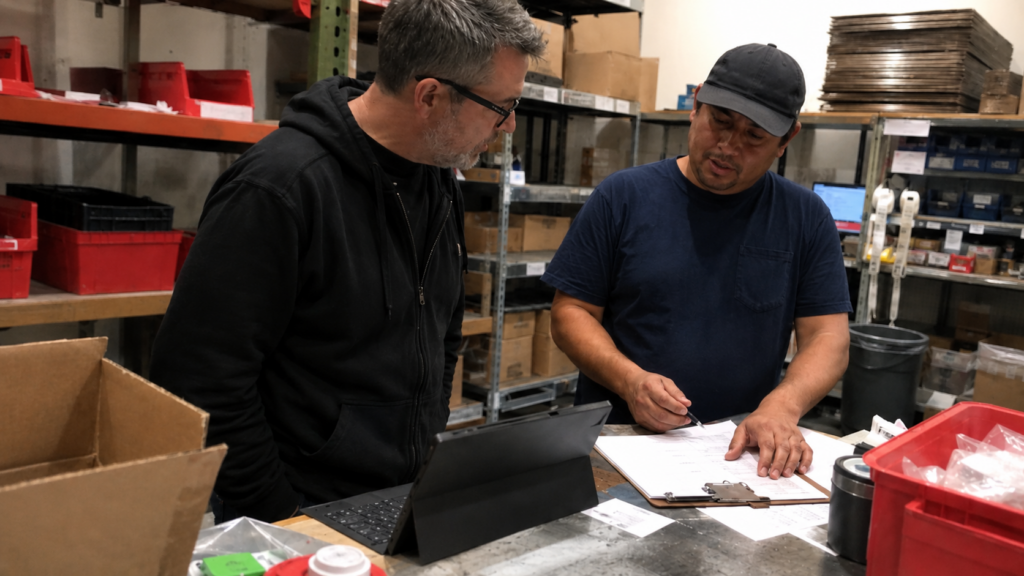
The warehouse usually knows where the software is lying.
We have learned that from decades of working with companies where the official system says one thing and the people doing the work know something slightly different. The order is marked ready, but the guys on the floor know it is waiting on a part. The inventory says there are six, but everyone knows two are damaged, one is missing, and one was quietly set aside for a customer who will lose his mind if it ships late. The report says the process is under control, but accounting has a spreadsheet that tells the more honest version of the story.
Most of the time, people are just trying to get the job done.
The people who use the software every day find the loopholes, shortcuts, workarounds, and little survival patterns that keep the business moving. They learn which fields matter and which fields are decorative. They know which screen is technically mandatory and practically useless. They know which report middle management likes and which report actually helps them ship the order. They know when the system is helping, when it is slowing them down, and when it has become a ritual everyone performs so the real work can happen somewhere else.
That is why the best developer in the room is often the one asking about the warehouse.
Good software development starts by getting close enough to the work that people stop giving you the official answer.
The official process is usually a cleaned-up story
A lot of software projects begin in the wrong place. Everyone gets in a room, talks about requirements, draws boxes on a whiteboard, decides which system needs to integrate with which other system, and then everyone feels productive because the meeting had enough acronyms to seem expensive.
Planning matters. Process diagrams matter. Clean requirements matter. Knowing what we are building before someone starts passionately coding the wrong thing in a framework they discovered last Tuesday also matters.
The problem is that the conference room version of the business is usually a cleaned-up story.
In the conference room, the workflow sounds logical. The order comes in. The order is processed. The product is picked. The product is shipped. The invoice goes out. The customer pays. Wonderful. Capitalism has occurred.
Then you talk to the people actually doing the work.
The order comes in, except sometimes it comes by email, sometimes through the website, sometimes by phone, sometimes from a sales rep who texts a photo of a handwritten note because apparently we live in both the future and 1978. The order is processed, except someone has to check an old spreadsheet because the ERP does not contain the custom pricing arrangement from 2019. The product is picked, except the system says there are six in stock and everyone knows there are probably four, unless Dave already put two aside for that other customer. The invoice goes out, except accounting has to fix the shipping line because the integration almost works, which is often worse than a clean failure.
That is the business. That is where the software has to live.
A developer who does not understand that world is probably building for the imaginary company from the meeting.
This is also why good business analysis takes more than writing down what management requested and turning it into tickets. A business analyst has to find the difference between what the process is supposed to be, what management thinks it is, what the system enforces, and what people actually do so the customer still gets served.
That gap is where the project usually lives.
Workarounds are the business telling the truth
Once you understand that gap, the weird artifacts around the business start looking less weird.
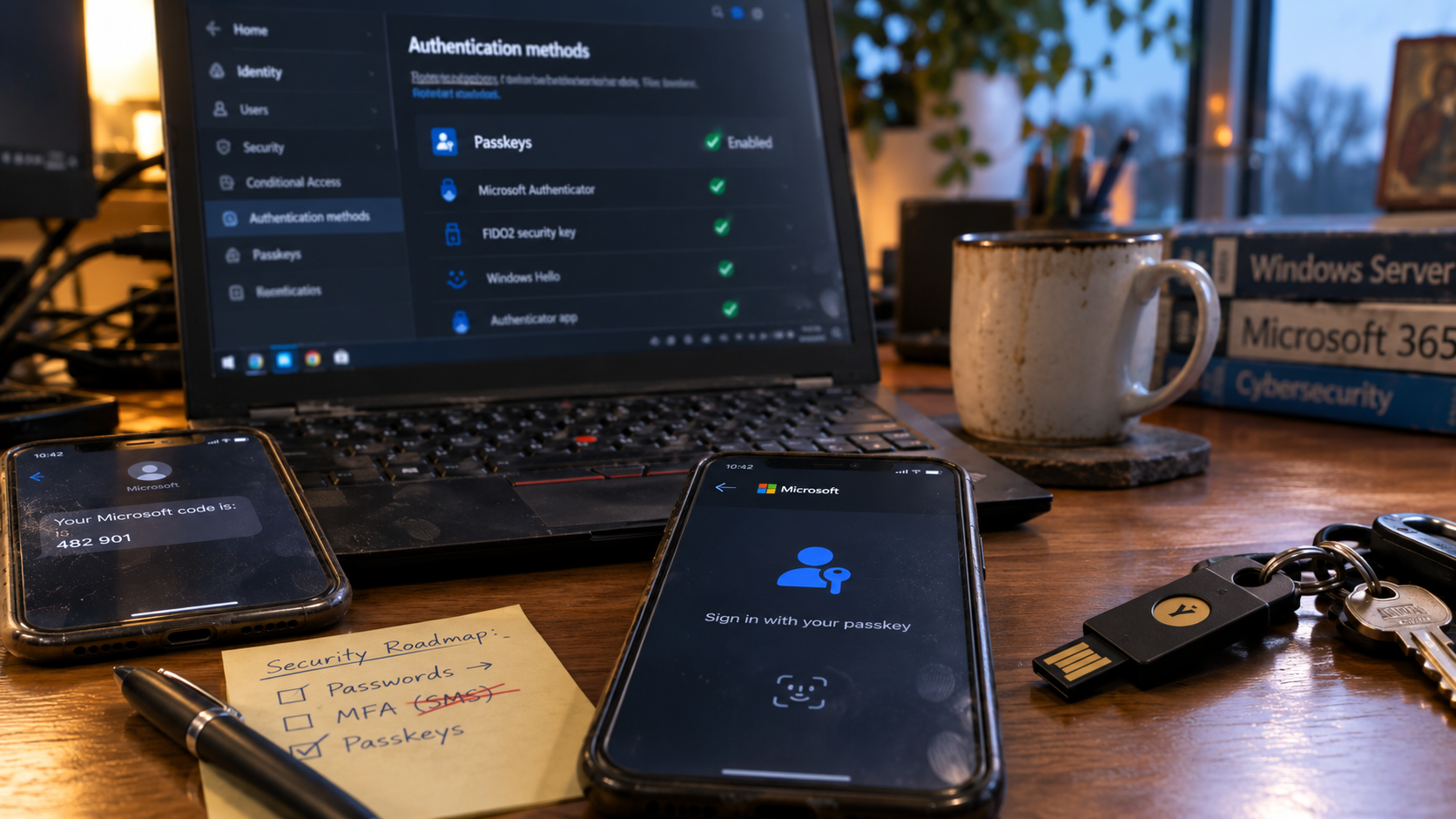
Clipboards. Sticky notes. Whiteboards. Extra spreadsheets. Printed reports with handwritten corrections. Binders full of “just in case” information. Email folders being used as a workflow system. A staff member who has somehow become the human API between two departments. A shared document named something like “Final Inventory List NEW USE THIS ONE v7.xlsx,” which should be treated as a cry for help.
These things are evidence.
A clipboard is often a bug report written in cardboard.
A spreadsheet beside a modern system usually means the system is missing something important, or the people using it do not trust it enough to rely on it. A whiteboard full of order notes may mean the official workflow is too slow, too rigid, or too disconnected from reality. A staff member who manually copies data from one system into another every afternoon is acting as unpaid middleware with posture damage.
This is where inexperienced software teams get smug and make everything worse. They see the workaround and assume the people are the problem. They decide the spreadsheet has to die, the clipboard has to go, the whiteboard has to be replaced, and the staff need to “follow the process.” Very clean. Very modern. Very likely to irritate everyone who knows how the business actually works.
The better question is why the workaround exists.
Sometimes the workaround is stupid. Sometimes the workaround is brilliant. Sometimes it is both, which is annoying but common. The point is to understand what job the workaround is doing before replacing it with something prettier and less useful.
That is one of the reasons we like getting down into the trenches with the people who use the software all day. The official process tells you what the business wants to believe. The workaround tells you what the business has learned.
The truth gets filtered on the way up
The people with the most useful information are often far away from the room where the decisions get made.
Upper management usually cares. They care about margin, customer experience, risk, throughput, delays, reporting, and whether the business can grow without adding another five people to babysit the process. The people on the floor care too, because they have to live with the software. They know when a bad system adds ten minutes to every order, creates rework, or forces them to invent a workaround just to get through the day.
The tricky layer is often in the middle, and I am saying that carefully. Middle management usually gets squeezed. They are expected to make the numbers look good, keep things moving, avoid surprises, and not walk into every meeting carrying a flaming bag of uncomfortable truths. So the reality gets softened. The workaround becomes “a small manual step.” The broken integration becomes “a process issue.” The spreadsheet that runs half the department becomes “just something we use for tracking.”
By the time the problem reaches the software team, it has often been cleaned up enough to become misleading.
A business owner who feels vaguely suspicious that the official process and the real process are different is usually right. Sorry. Also, congratulations. You have found the project.
This is where Panda Rose tends to be useful. We are not interested in embarrassing the people who are keeping things moving. That is rarely helpful. We are interested in understanding where the real process differs from the official one, why those differences exist, and how the software can reduce the amount of hidden labour required to keep the business functional.
Hidden labour is expensive. It just does not always show up as a line item.
It shows up as delayed orders, tired staff, unreliable reports, customer confusion, duplicated work, missed follow-ups, and managers who spend too much of their day chasing exceptions instead of managing the business.
Good software should reduce the amount of management required
A good system should not require constant managerial heroics to keep it working.
If a supervisor has to chase every exception, remind everyone which spreadsheet is the real one, manually reconcile two systems, correct the same report every week, and explain the same workaround to every new employee, the software has quietly outsourced its failure to a human being with a title.
The goal should be to build tools that make the normal path clear enough that middle management does not have to care about every tiny operational detail. They should be able to manage the business instead of babysitting the system. The people on the floor should have what they need to do the job correctly without inventing new rituals around bad software.
Judgment still matters. It just needs to be in the right place.
The system should handle the repeatable work. It should make the correct action obvious. It should capture the information people actually need. It should expose exceptions clearly instead of burying them in someone’s inbox. It should give management useful visibility without forcing the floor to perform pointless data-entry theatre.
When that happens, upper management gets better information, middle management gets fewer fires, and the people doing the work get tools that respect their time.
Avery used to say the best developers were the laziest ones. I think he was right, provided we mean lazy in the useful sense. The best developers do not want to type the same thing twice. They do not want staff copying data from one system into another. They do not want a warehouse worker writing something on a clipboard so someone else can key it into Excel so someone else can re-enter it into the accounting system three days later. They look at repeated manual work and get irritated enough to fix it.
That kind of laziness is really respect for time.
A good developer is lazy the way a good mathematician is lazy. They hate doing the same work twice. They hate unnecessary steps. They hate maintaining two sources of truth. They hate watching smart people become data-entry machines because the systems around them were built by people who never watched the actual work happen.
Useful laziness refuses to preserve waste.
That instinct is valuable, but it has to be aimed at the right target. Automating a bad process can make the business worse faster. Integrating two systems that disagree about the truth can spread the disagreement more efficiently. Building a dashboard on top of data nobody trusts can give management a more colourful version of the wrong answer.
The goal is to reduce the mess.
A dashboard can make the wrong thing look official
Software projects can get dangerous when everyone gets excited about dashboards, KPIs, and “data-driven decision making.”
There is a trap where everything starts to look better because everything is suddenly measurable. The dashboard has colours. The workflow has statuses. The forms have required fields. The reports update automatically. Everyone can point at the numbers and say the business is now data-driven, which sounds impressive until you ask whether the numbers are measuring the thing that actually matters.
Goodhart’s Law says that when a measure becomes a target, it stops being a good measure.
Anyone who has worked inside a real business has seen this happen. Create a KPI for ticket closure time and people start closing tickets faster, sometimes before the problem is really solved. Measure calls completed and suddenly the goal becomes getting off the phone. Measure orders picked per hour and people may optimize speed while quietly creating accuracy problems downstream. Measure form completion and staff learn how to fill the mandatory fields just well enough to get past the software.
The software did not fix the system. It taught the organization how to perform compliance.
A good analyst has to ask what the business is actually trying to improve. Faster shipping may matter, but accuracy, customer satisfaction, and margin still matter. More leads may matter, but lead quality and follow-up capacity still matter. More completed tasks may matter, but completed work has to mean something.
The point of software is not to give middle management more boxes to check. The point is to make the system work well enough that fewer boxes need checking in the first place.
The dashboard is not the business. A KPI can reveal reality, or it can teach people how to game the system. Mandatory fields are not the same thing as useful information. If the software creates more reporting theatre than operational improvement, the project has missed the point.
Good software should make the right work easier, not make the wrong work easier to count.
“We just need” is usually where the real conversation starts
Once the workarounds, management filters, and bad metrics are visible, the original request often starts to look different.
Some of the most expensive software mistakes begin with the phrase “we just need.”
We just need a form. We just need a portal. We just need an integration. We just need a dashboard. We just need an app.
Maybe. Sometimes the business really does need a simple form, a small automation, a clean report, or a straightforward connection between systems. We love those projects when the problem is actually that contained.
“We just need” can also mean “we have compressed six years of operational pain into one suspiciously small request.”
A business might ask for a dashboard because nobody trusts the data underneath it. It might ask for an integration because two departments disagree about which system owns the truth. It might ask for a new app because the current process has too many exceptions. It might ask for a portal because staff are tired of answering the same customer questions, while the real issue is that the customer never gets reliable status updates in the first place.
The requested feature may be valid. It may also be the symptom.
That is why the developer has to ask about the warehouse, the front desk, accounting, dispatch, sales, receiving, shipping, service, and whoever quietly knows how things actually get done. If the team only builds what was requested without understanding what created the request, the business may receive exactly what it asked for and still be disappointed.
That is a special kind of failure. Expensive, technically successful, and somehow still wrong. Very premium. Very cursed.
This is also where custom software development has to be handled carefully. Custom software can reduce manual work, improve accuracy, support better decisions, speed up a process, clarify responsibility, remove duplicate entry, create a reliable source of truth, improve customer experience, or make a business process possible that off-the-shelf software cannot handle cleanly.
It can also become a very expensive monument to unclear thinking.
A good custom system should have a job. If nobody can explain what work gets easier, which errors disappear, which handoffs become cleaner, which reports become trustworthy, or which staff member gets to stop being the human bridge between two systems, the project is probably fuzzy.
Fuzzy projects send invoices too.
Integration is often smarter than replacement
Once you understand the real job, the answer is often less dramatic than people expect.
Replacing a working system can be satisfying in theory. New interface, new database, new architecture, new branding, new optimism. Everyone gets to pretend the past has been defeated.
Then reality shows up with edge cases and starts chewing on the furniture.
Old systems often contain more business logic than people remember. Pricing rules, customer exceptions, approval flows, report formats, inventory assumptions, audit trails, labels, printed forms, weird field meanings, and decisions made fifteen years ago by people who have since retired. Some of that logic is obsolete. Some of it is essential. The annoying part is that you usually have to understand it before you can tell the difference.
A good developer does not rush to replace the old system just because it looks ugly. Ugly systems can still be load-bearing. Sometimes the smarter move is to integrate around the system, improve the workflow at the edges, pull better data out of it, remove duplicate entry, or build a tool that solves the actual pain without ripping out the part that still works.
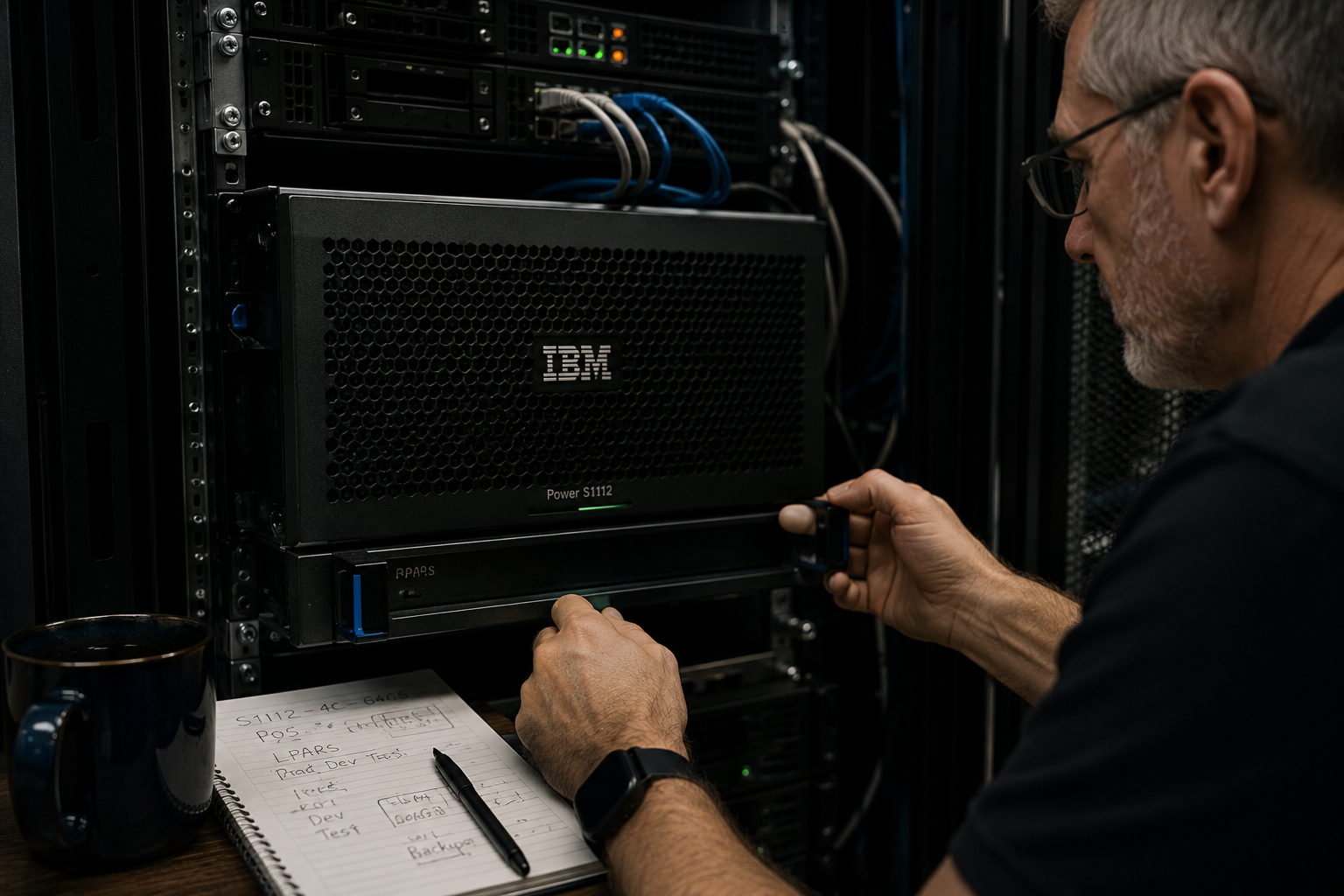
This is especially true in businesses with legacy systems, ERPs, accounting platforms, warehouse systems, CRMs, scheduling tools, industry-specific software, or old databases that everyone complains about but nobody can fully explain.
The better question is usually whether the business would get more value from understanding the process, connecting the right pieces, and removing the stupid work.
That is where enterprise integration often creates more value than a dramatic rebuild.
And yes, sometimes the old thing really does need to go. We are not sentimental about bad systems. We are just cautious about destroying the part of the business that still works because someone got offended by an old interface.
AI still has to respect the work
AI adds another layer to this, because now every messy workflow seems to attract someone saying “we could use AI for that” with the confidence of a man holding a hammer in a room full of glass shelves.
Used well, AI can help summarize messy notes, classify requests, extract information from inconsistent text, draft responses, identify likely next actions, and support workflows where the input is too human and variable for a clean rules table. That can be extremely useful.
Used badly, AI becomes a very confident fog machine.
The same rule applies: understand the work first.
If the process is unclear, AI may just help the business produce confusion faster. If the data is untrusted, AI may summarize untrusted data with excellent grammar. If the workflow is full of exceptions nobody has mapped, an AI layer may turn those exceptions into a new category of surprise.
Good AI implementation still needs business analysis. It still needs boundaries. It still needs ordinary software doing ordinary software work. It still needs humans reviewing the parts where judgment matters. It still needs someone asking where the information comes from, who trusts it, and what happens when it is wrong.
The warehouse still matters, even if the demo has a chatbot.
Especially if the demo has a chatbot.
Reports are where fantasy goes to die
By this point, reporting usually becomes the test of whether the system is real.
If you want to know whether a business trusts its systems, ask about reporting. Better yet, ask which reports people ignore.
A report can look official and still be functionally decorative. It may pull from stale data. It may exclude the field everyone actually cares about. It may require someone to export it, fix it in Excel, and send around the real version. It may show numbers that everyone knows are wrong, but nobody has time to investigate. It may have been designed for a manager who left in 2016 and is now kept alive out of fear.
This is why reporting is rarely just reporting. It is a test of whether the underlying process is understood.
If two departments define “completed” differently, the dashboard will expose the disagreement. If inventory is updated after shipping instead of at picking, the report will reflect that delay. If sales uses one customer category and accounting uses another, the numbers will develop a rich inner life. If staff do not trust the system enough to enter data consistently, the dashboard becomes a colourful shrine to bad inputs.
A business may ask for better reporting. What it may need first is a clearer process, cleaner data ownership, better system integration, and fewer places where people quietly maintain their own version of reality.
Reports do not create truth. They reveal whether the business has been capturing it.
Good software should make work feel less stupid
After all the analysis, diagrams, systems, reports, integrations, and planning, there is still a simple test.
Does the software make work feel less stupid?
It does not have to make every task delightful. This is business software, not a spa weekend. But it should reduce friction. It should remove pointless repetition. It should make information easier to trust. It should help people do the right thing without heroic effort. It should make the normal path easier than the workaround.
When software fails that test, people route around it. They make spreadsheets. They keep notes. They invent codes. They text each other screenshots. They print things that were supposedly digitized. They create little human systems around the official system because the official system does not match the work.
That is not always staff being resistant to change. Sometimes it is staff being practical.
People will usually use the path that lets them get the work done. If the software path is worse than the unofficial path, the unofficial path wins. Then management wonders why adoption is poor, the vendor blames training, and everyone gets a new meeting invite.
Good development respects the fact that people are trying to get through the day.
That is why the best developer in the room may not be the one talking about the newest framework, the fanciest architecture, or the cleanest code abstraction. Those things can matter. We care about technical quality. Bad code has a way of sending invoices later.
The developer who asks operational questions is often protecting the business from building the wrong thing beautifully.
They ask why receiving handles an order differently than purchasing thinks they do. They ask why the customer service team keeps a private spreadsheet. They ask why the warehouse trusts a printed pick list more than the live system. They ask why the sales team promises delivery dates that dispatch cannot meet. They ask why accounting manually fixes something every Friday. They ask why there are three customer records and which one is lying.
Those questions can be uncomfortable because they expose the gap between the official process and the real one. That gap is where good software gets designed.
It is also where bad software goes to become expensive.
What Panda Rose brings to this
At Panda Rose, we do not see custom software as sitting in a room inventing features until someone approves a quote. The software has to fit the business. That means understanding the people, the workflow, the data, the exceptions, the systems already in place, and the places where staff are doing too much manual work because the tools around them do not talk to each other.
That is why our work often touches more than one area. Business analysis helps uncover what is really happening. Enterprise integration helps systems share information instead of forcing people to copy it. Custom software fills the gaps where off-the-shelf tools do not fit. Managed IT support keeps the environment stable enough that the new system can actually be used. Websites, forms, portals, SEO, and digital marketing may even be part of the same larger process when customer inquiries need to move cleanly into operations.
That is the advantage of working with a team that thinks in systems.
We are interested in the workflow because the workflow is where the value is. We ask about the warehouse because the warehouse is often where the truth is. We ask about accounting because accounting knows where the process gets corrected. We ask about the front desk because the front desk hears the customer confusion first. We ask about the unofficial spreadsheet because the unofficial spreadsheet may contain the real requirements.
Then we decide what is actually worth building.
Sometimes that means custom software. Sometimes it means an integration. Sometimes it means improving a website form. Sometimes it means cleaning up a process before writing code. Sometimes it means telling a client that the expensive thing they thought they needed can wait because a simpler fix will remove most of the pain.
That is more useful than a bigger invoice and a shinier mistake.
If your business has staff copying data between systems, maintaining unofficial spreadsheets, correcting reports by hand, printing things that were supposed to be digital, optimizing KPIs nobody really believes in, or relying on one person who “just knows how it works,” there is probably a software problem hiding inside the process.
It may be a small problem. It may be a large one. It may need custom software. It may need integration. It may need business analysis before anyone should be trusted near a keyboard.
But it is worth looking at properly.
Start with the warehouse. Or accounting. Or dispatch. Or the front desk. Or the service desk. Start wherever the work actually gets messy.
That is usually where the real project begins.
If you want help finding the places where your systems are wasting time, creating errors, encouraging the wrong behaviour, or quietly forcing staff to become human middleware, talk to Panda Rose. We can review the workflow, map what is actually happening, and figure out whether the right answer is custom software, integration, automation, process cleanup, or a much smaller fix than everyone feared.